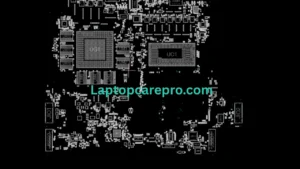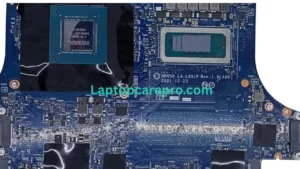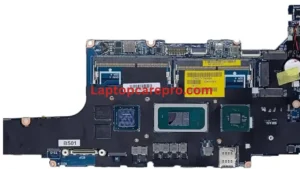
Asus X1504VA.X1404ZA Bin BIOS File

Best When working with modern laptops like the Asus X1504VA and X1404ZA, BIOS issues can often cause serious problems such as no display, boot failure, or unstable performance. In such cases, using a clean and correct BIN BIOS file becomes essential.What is a BIN BIOS File The BIN BIOS file is a raw binary file that contains the firmware of the motherboard. This firmware controls the basic hardware initialization process, including CPU, RAM, and other essential components. Technicians use this file to reprogram the BIOS chip using tools like CH341A or RT809F.Common Problems Solved by BIOS Reprogramming
Asus X1504VA and X1404ZA models, flashing a proper BIOS BIN file can fix:
Work Laptop not powering onBlack screen issue (no display)
Stuck on logoBIOS corruption after update failure
Keyboard or touchpad not working properlyRandom shutdown or restartImportant Before Flashing
Before writing a new BIOS file, keep these points in mind:Always take a backup of the original BIOS
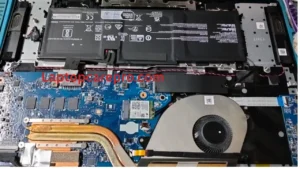
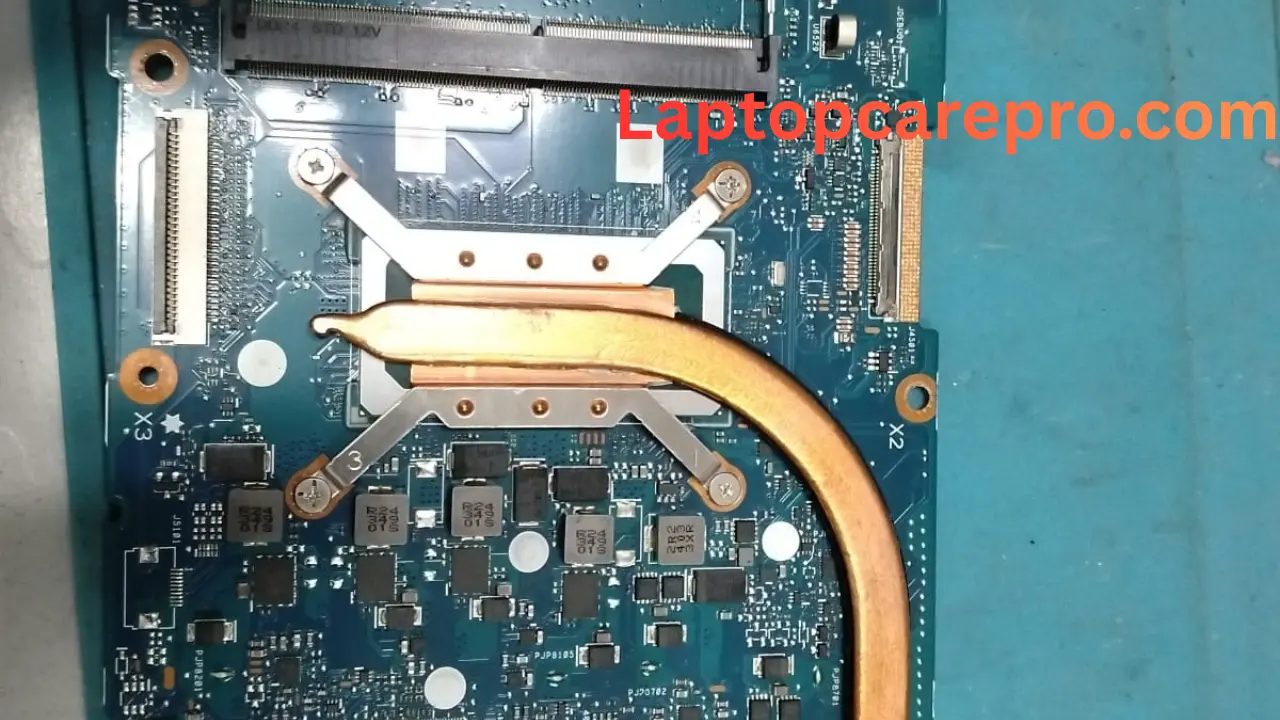
In most Asus boards, the BIOS chip is an 8-pin IC located near the PCH or EC chip. It is usually labeled as Winbond (25Q series)
MXIC
GD (GigaDevice)
Make sure to identify the chip correctly before flashing.Flashing Process Overview Remove power sources (battery + charger) Locate the BIOS IC Connect programmer properly
Read and backup existing BIOS Erase the chip Write the new BIN file Verify after writing Reassemble and test
Why Use Clean BIOS?
A clean BIOS file ensures: No password lock Clean ME region Stable system performance Proper hardware initialization Good lock enjoy