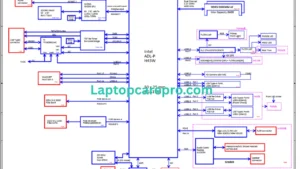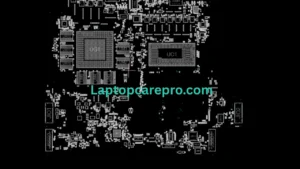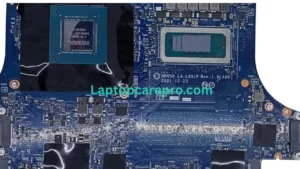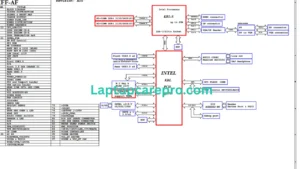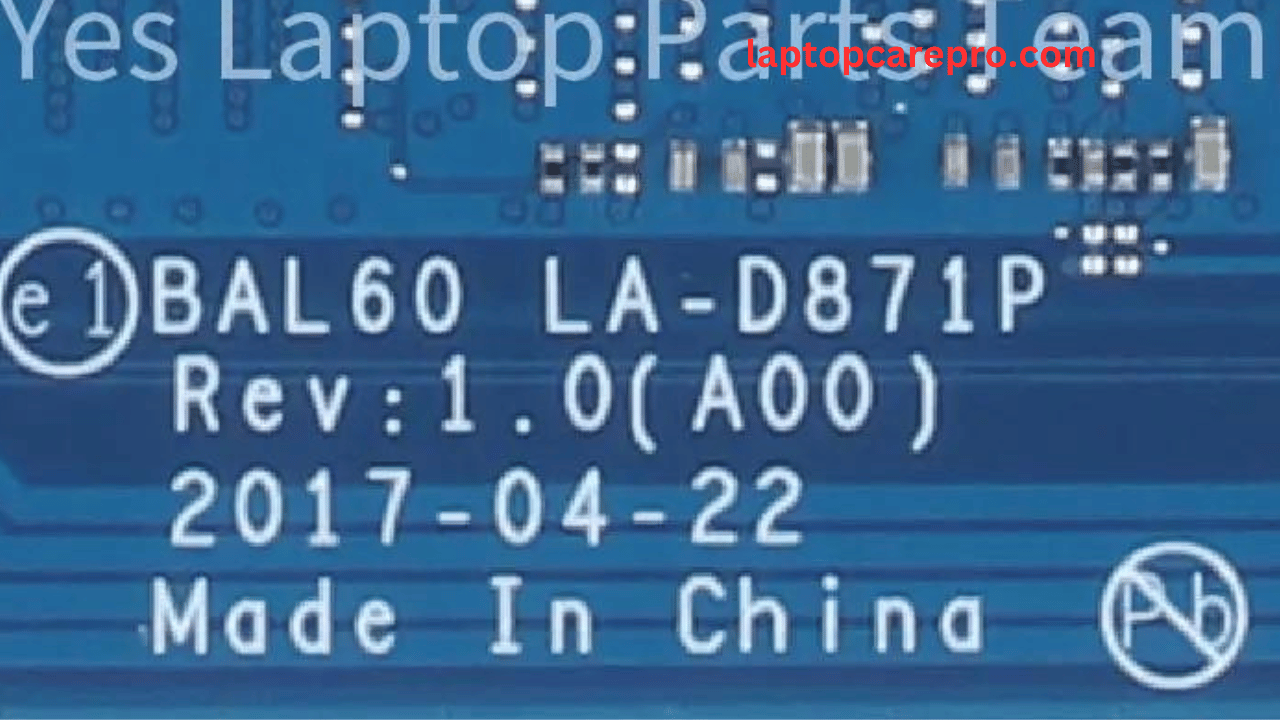
Introduction LA-D871P
The Dell Inspiron 14 5548 represents a blend of efficiency and power in Dell’s lineup of mid-range laptops. Particularly notable for its versatility, this model has caught the attention of both everyday users and tech enthusiasts alike. A critical aspect of maintaining or upgrading such devices involves understanding their BIOS, This knowledge is not just limited to professionals in the tech repair industry but is increasingly becoming essential for general users keen on DIY fixes and optimizations.The Basic Input/Output System (BIOS) in the Dell Inspiron 14 5548 acts as the bridge between the laptop’s hardware and its operating system. Understanding and occasionally updating the BIOS can resolve compatibility issues, improve performance, and even salvage a laptop from certain types of failures. The BAL60 LA-D871P Bin BIOS file for this model is a specific firmware version that controls the laptop’s hardware components at a foundational level.
For users looking to troubleshoot or enhance their device’s performance, the first step often involves accessing the BIOS to adjust settings or update the firmware. This process, though critical, must be approached with caution. Incorrect settings or a flawed update can lead to system instability. It is advised to consult the motherboard’s manual or seek guidance from knowledgeable forums before attempting any BIOS modifications.
Always remember to back up your existing BIOS chip to a USB or hard drive before copying the downloaded BIOS bin file onto the BIOS chip. Sometimes, changes in the machine’s states occur after programming the BIOS chip. Therefore, it’s advisable to backup to prevent any loss
Dell Inspiron 14 5548 BAL60 LA-D871P Bin Bios Download